Full Screen Jigsaw Puzzles to Play Online
Wide scenes that deserve the whole display: a fjord village, a volcano lake, balloons over Cappadocia at dawn. Open one, press Play, then press Full screen above the board and the rest of the page steps out of the way. Free in your browser, with nothing to install.
Wide scenes for a full screen

Seahorses in a Coral Garden

Red Tractor at Harvest

Tokyo Lantern Alley at Night

Coastal Road beside Turquoise Water
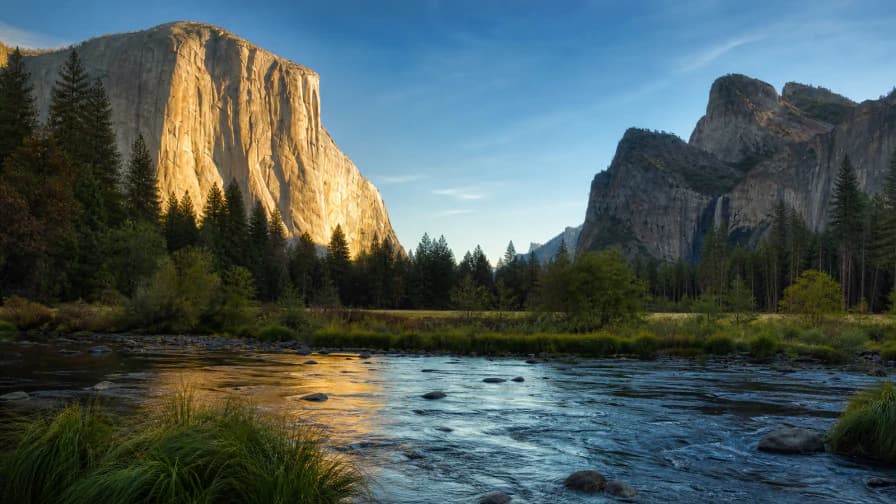
Yosemite Valley Morning
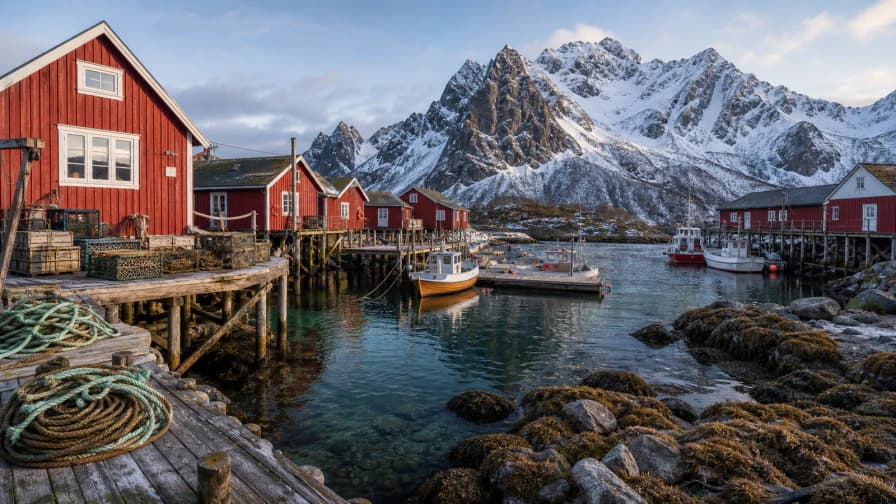
Lofoten Fishing Village

Rio from Sugarloaf Mountain

Glacier Lagoon with Icebergs
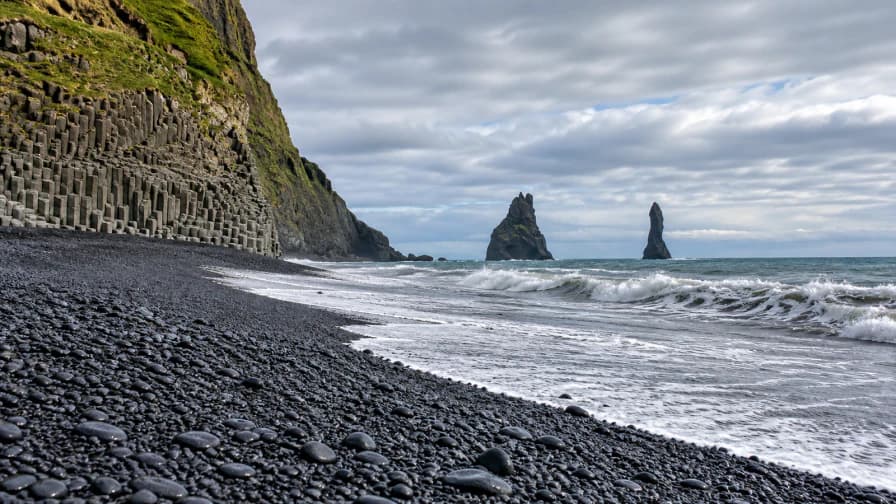
Iceland Black Sand Beach

Volcano Crater Lake
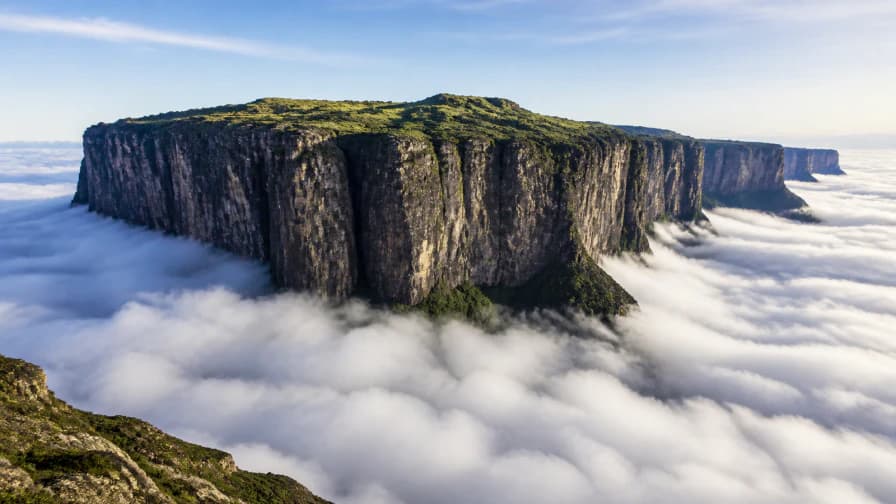
Mount Roraima above the Clouds
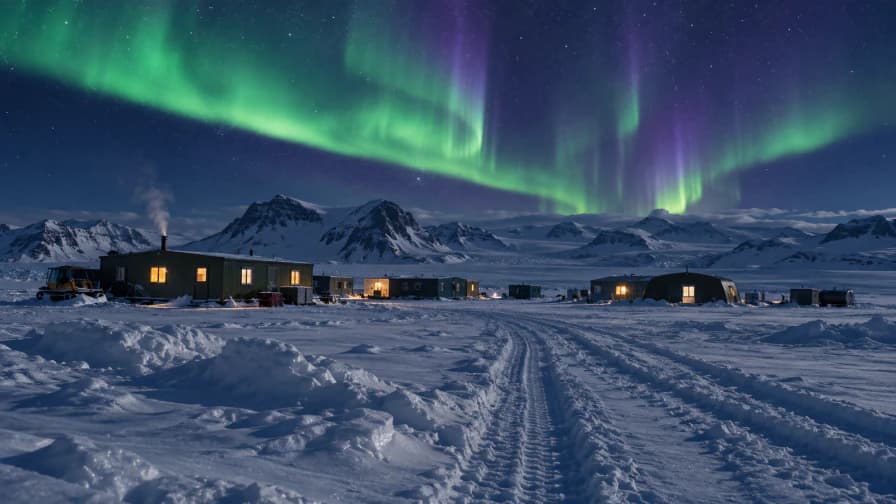
Aurora over a Polar Research Camp

Balloons over Cappadocia
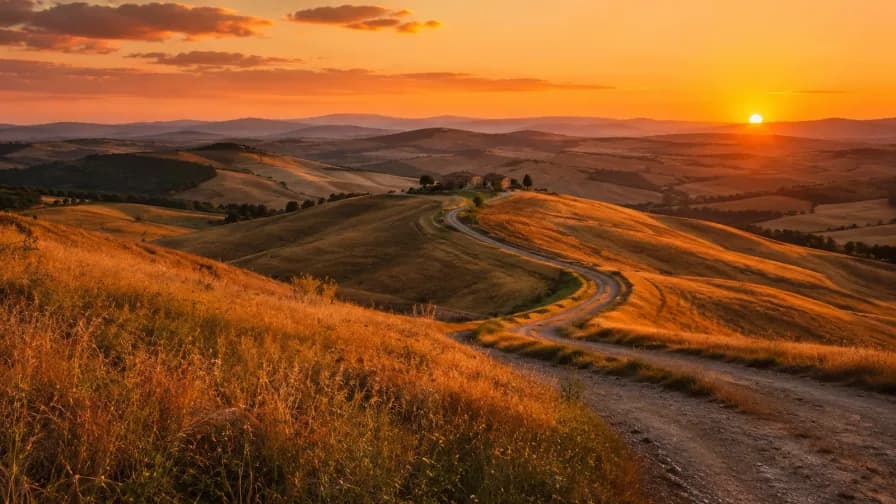
Sunset Hills

Lake Reflections

Harbor Sunset
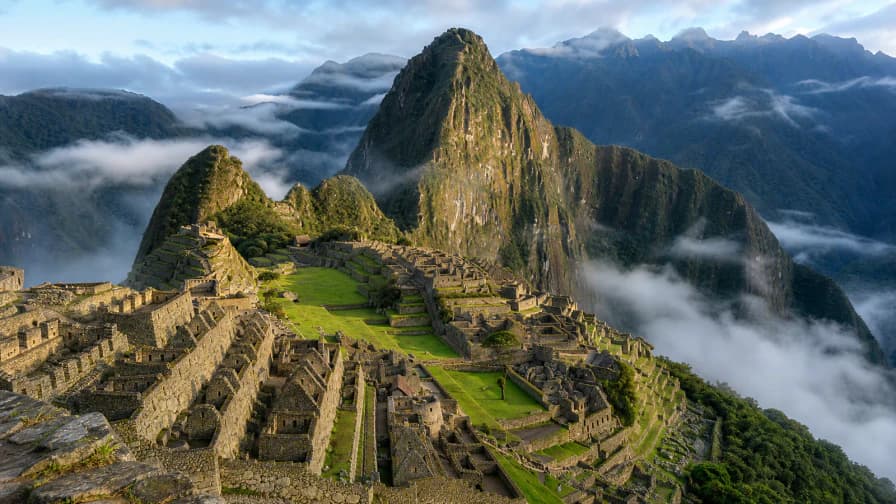
Machu Picchu in the Clouds

Salt Pans on a Coastal Peninsula
How to go full screen
- Open a picture and choose a piece count on its setup page, or continue a saved board.
- Press Play.
- Press Full screen in the toolbar above the board. The browser may show its own short message about leaving full screen; that is normal.
- Use Exit full screen, or Escape on a desktop keyboard, to come back.
It needs a tap from you. Opening this page does not take over your display, and on browsers that refuse native full screen the game uses the whole page instead, with the exit button still on the board.
Three pictures that use the width
Seahorses in a Coral Garden at 104 is the one to learn the controls on: two clear subjects and bright coral, with a starfish and a turtle in opposite corners to anchor the edges. Red Tractor at Harvest at 150 puts a red machine in the middle of a brown field, and the extra margin matters once the tractor and the barn boards both start to grow. Tokyo Lantern Alley at Night at 300 is warm lights above and their reflections on the wet stone below. A wide board lets you build a shopfront next to its own reflection without the two crowding each other.
Full screen and zoom do different jobs
Full screen changes how much space the game has. Zoom changes how closely you see the pieces inside that space. The All button brings the whole table back when you have zoomed in on part of it. If a piece looks too small, zoom in. If you have lost a group, press All first and look. Use the board's own zoom buttons rather than the browser's page zoom, which also enlarges the menus and takes room back off the table.
Count for the screen you have
A desktop monitor gives you several sorting areas. A tablet in landscape leaves a wide strip beside the picture. On a phone, full screen helps but cannot turn a small display into a big table, so start at 24 or 50 if you want fewer trips across the board. For clearer shapes on any screen, the large-piece puzzles go down to 4, and for a long project on a wide display the 1000-piece puzzles were picked for that count.
Leaving full screen keeps the board
Full screen is a view, not a game mode. Leaving it to check something and coming back does not change the piece count or start a new game, and your progress saves in this browser as you play. Keep the same device to pick up a local board, and avoid clearing site data while one is unfinished. For moving, joining and finding pieces, the how to play guide covers the rest.